Apps
Apps
Machbase Neo packages extend the platform with data collection, replication, video monitoring, and AI-assisted analysis. You can install the packages you need from the package list in the web UI, then configure and manage them in your browser.
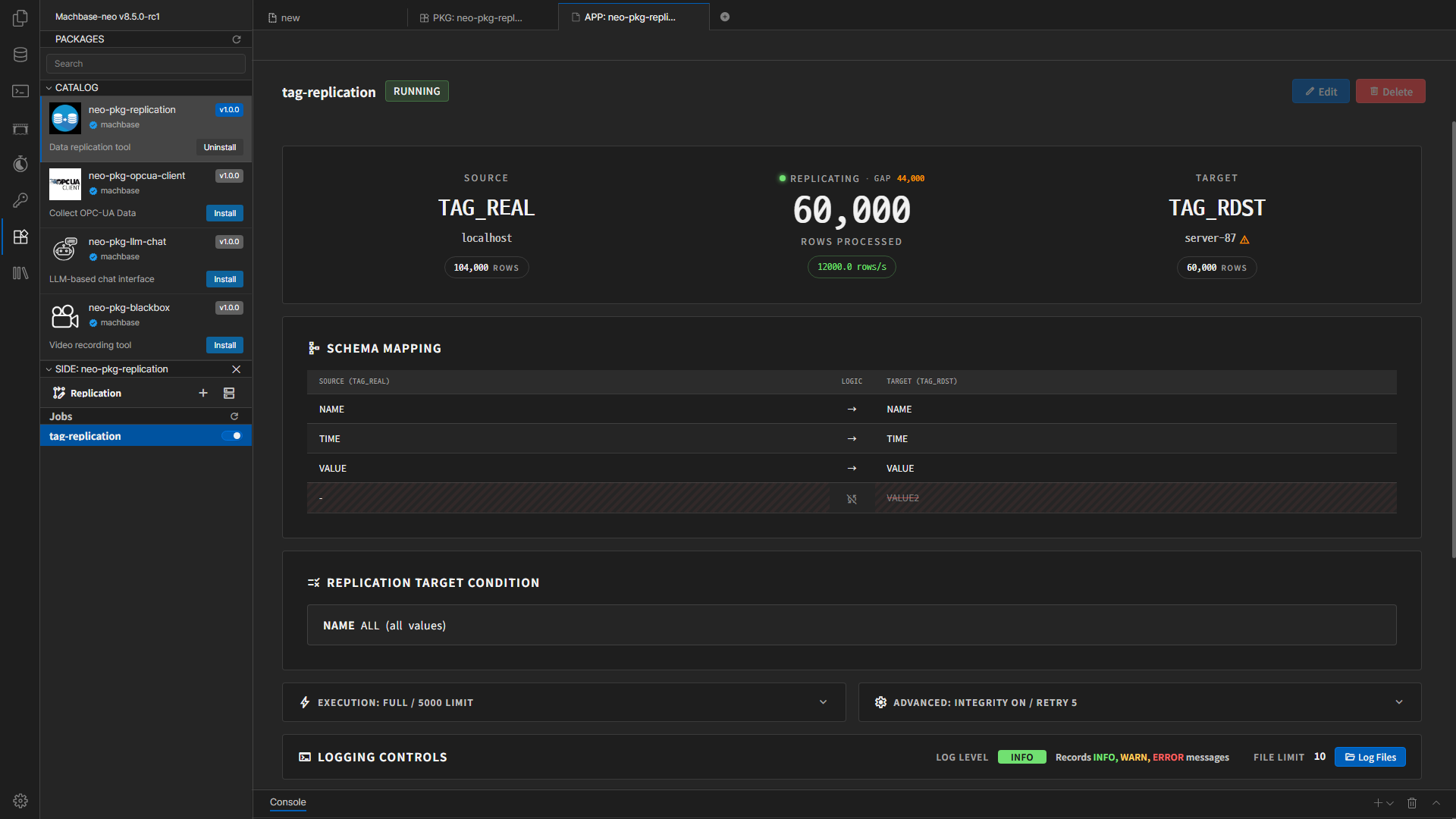
The Replication package (
neo-pkg-replication) copies Machbase table data to another Machbase server. You can configure replication conditions and column mappings, monitor progress, and review logs through the web UI. If replication is interrupted by a network issue or server shutdown, it can resume from where it stopped once the connection is restored, helping prevent data gaps.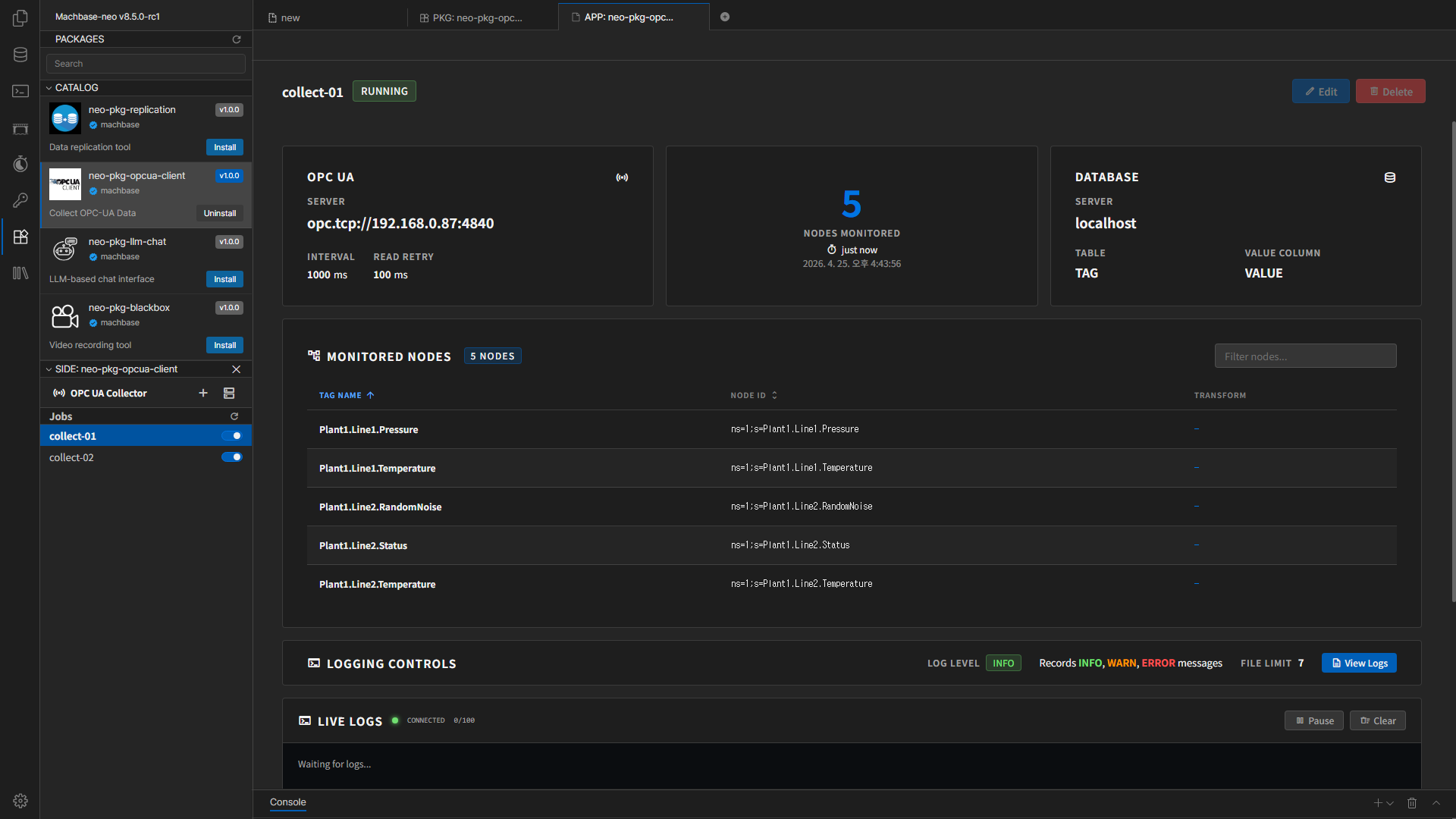
The OPC UA Client package (
neo-pkg-opcua-client) collects equipment and sensor data from OPC UA servers and stores it in Machbase Neo. You can browse server nodes, select data to collect, and configure column mappings and value transformations. You can also start or stop collection jobs and review their status and logs through the web UI. The Data Viewer lets you explore collected data in tables and charts.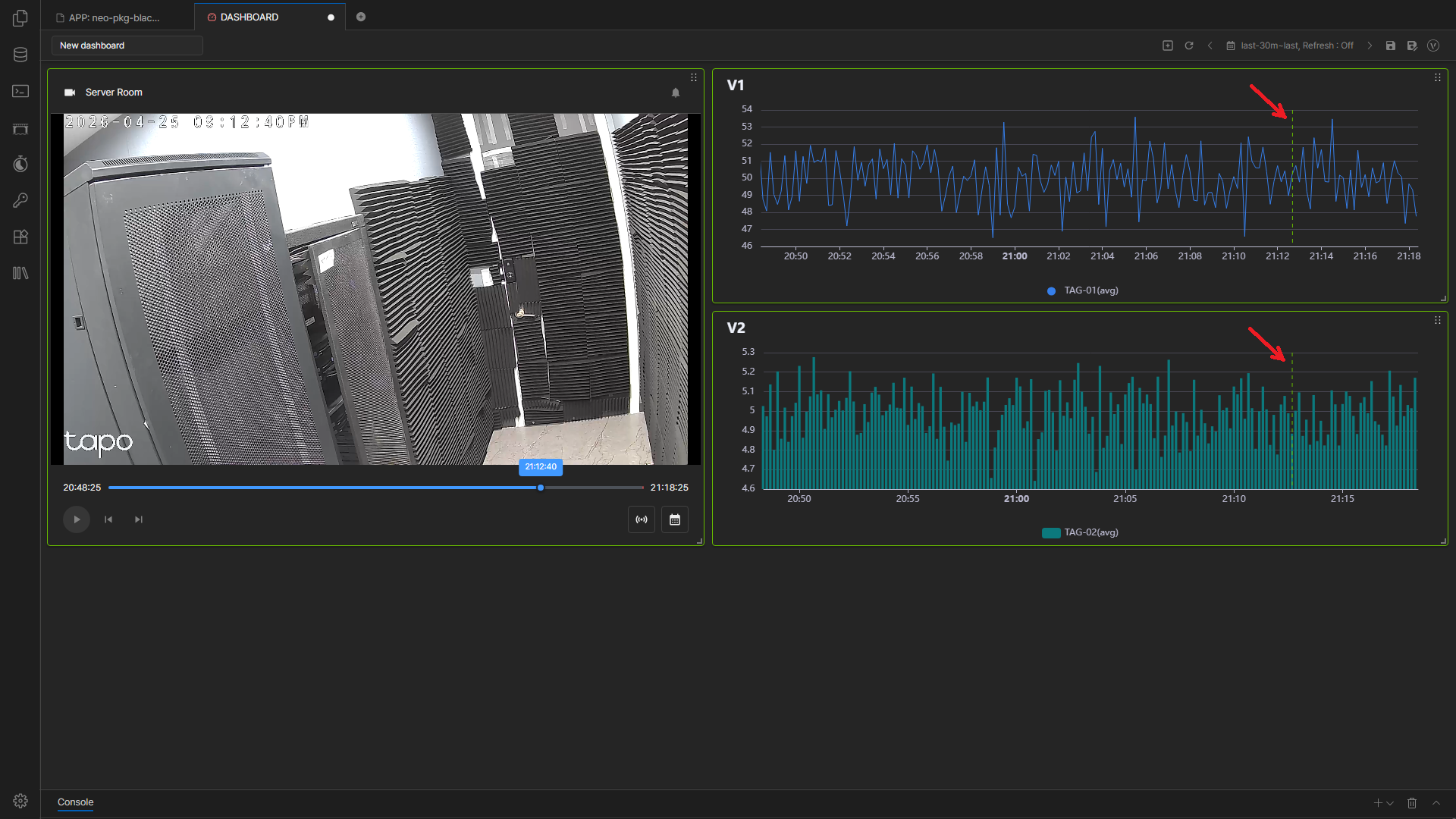
The Blackbox package (
neo-pkg-blackbox) provides video monitoring for managing camera feeds and detection events. You can register Blackbox servers and cameras, configure object detection and event rules, and review event history. The Video panel in Neo dashboards lets you view live or recorded footage and align recorded video with time-series charts for comparison.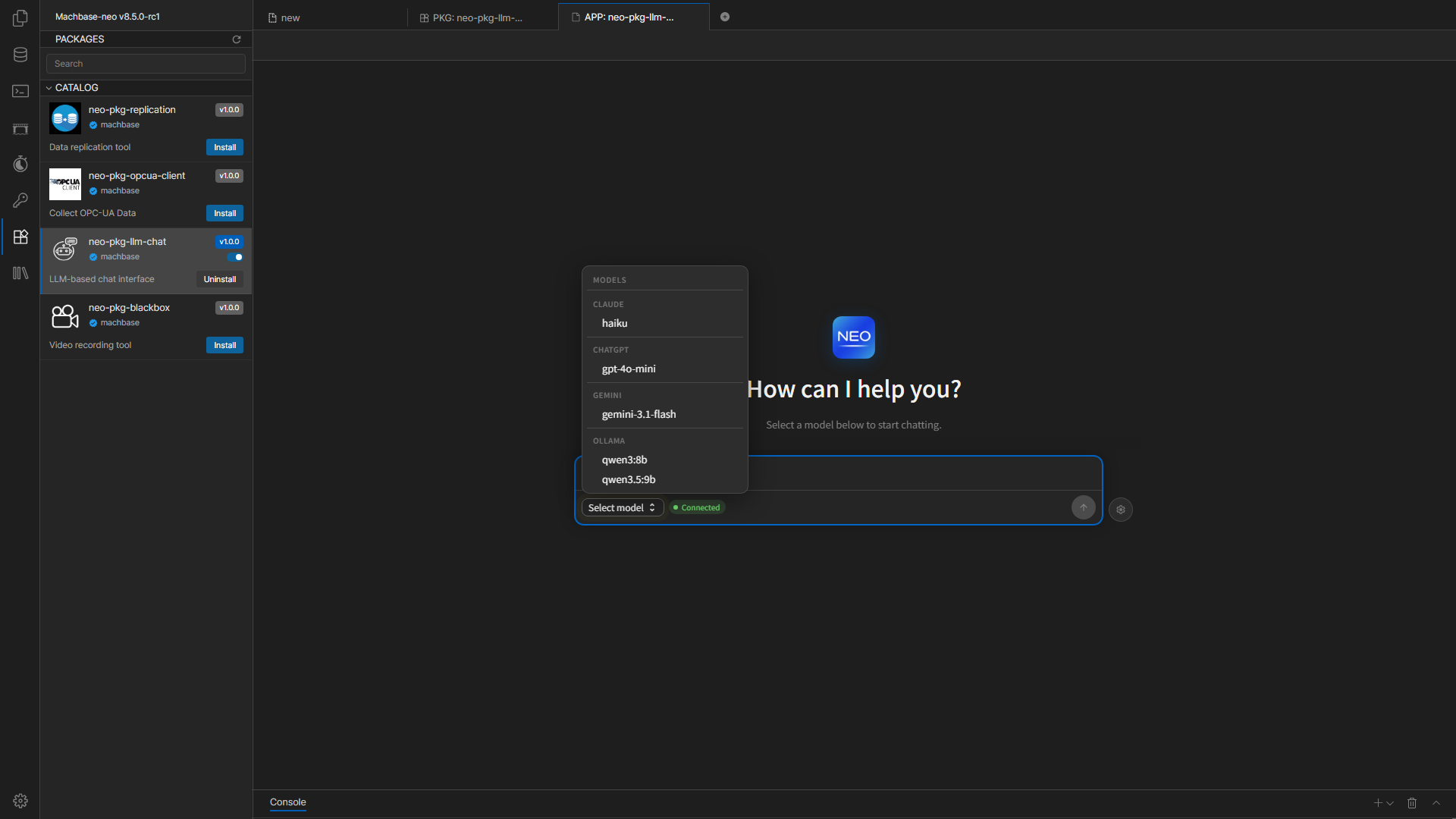
The LLM Chat package (
neo-pkg-llm-chat) provides an AI chat interface for querying and analyzing Machbase Neo data in natural language. You can explore tables and tags, and create dashboards and analysis reports through conversation. It supports a variety of large language models (LLMs), with model selection and connection settings managed through the web UI.Last updated on