Dashboard
Dashboard
Overview
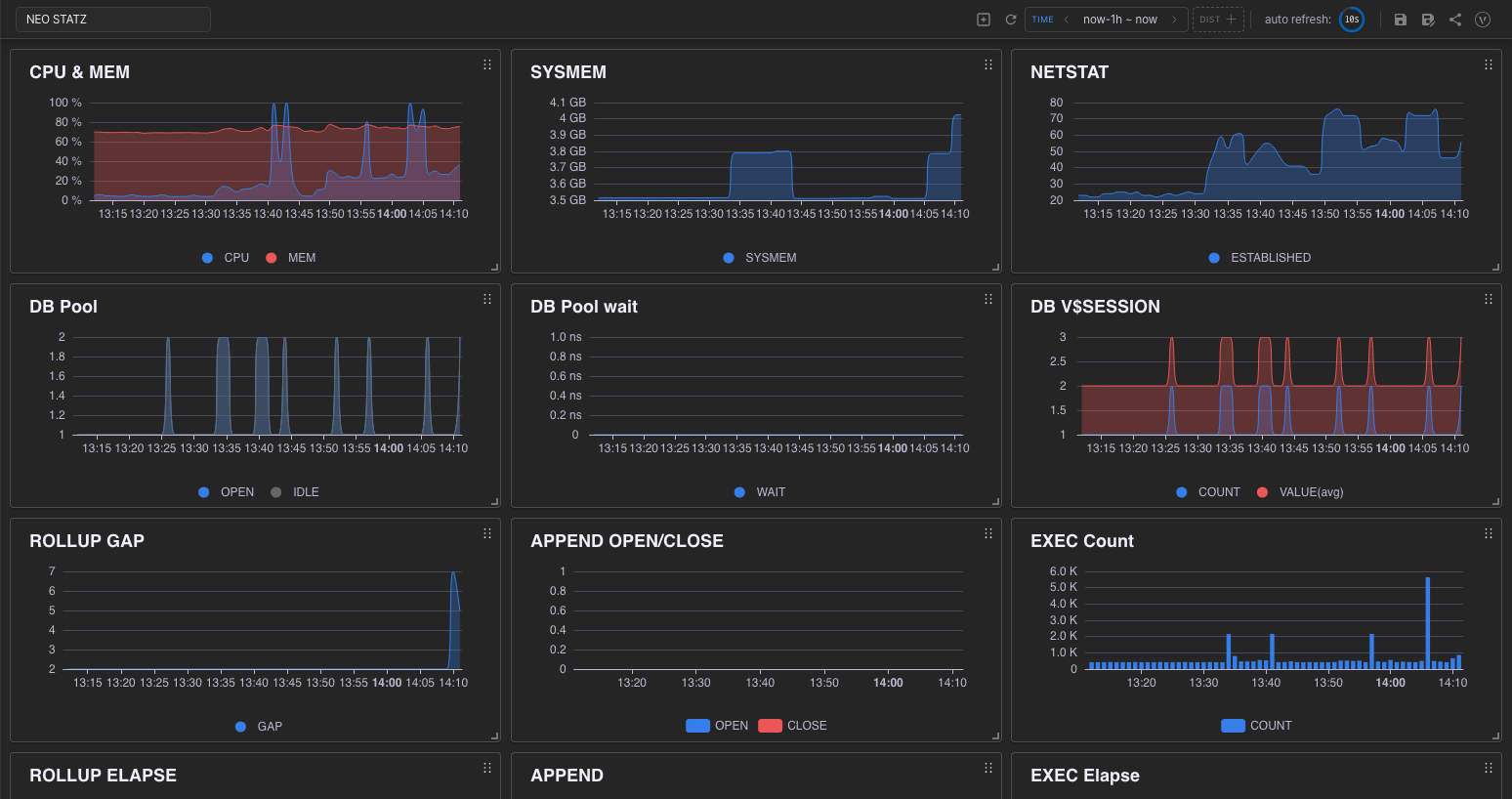
The dashboard visualizes data stored in Machbase as charts.
You can combine several chart panels into one screen and freely adjust the size and position of each panel. It also refreshes the charts automatically at an interval you choose.
Starting Dashboard
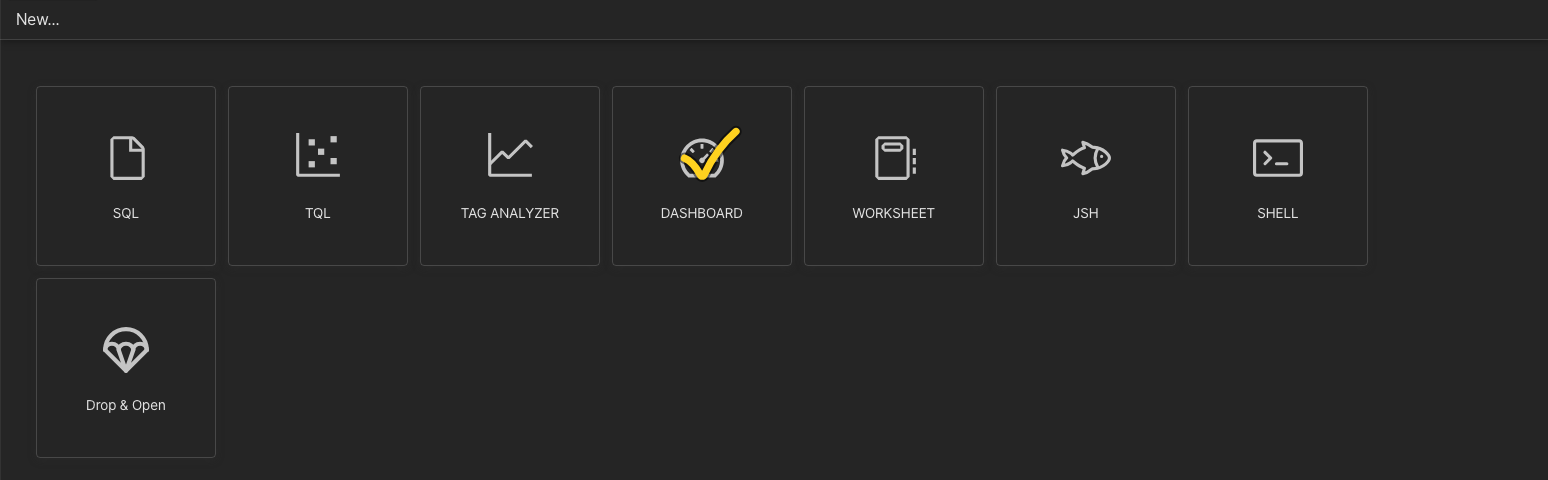
Click the “DASHBOARD” card on the Machbase Neo home screen to create a new dashboard.
Selecting a saved dashboard file (*.dsh) in the “EXPLORER” on the left opens it for viewing or editing.
A saved dashboard can also be shared as a view-only link. (See “Dashboard Controls”.)
Contents
Last updated on