Showcases

Install and run a robot motion app from the Machbase Neo console to replay a public dataset in 3D.
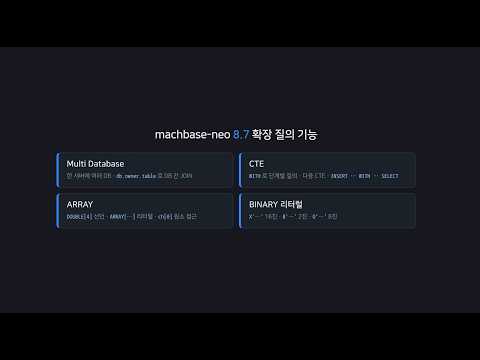
Run the Multi Database, CTE, ARRAY type, and BINARY literal features introduced in Machbase Neo 8.7 directly in the web SQL editor.
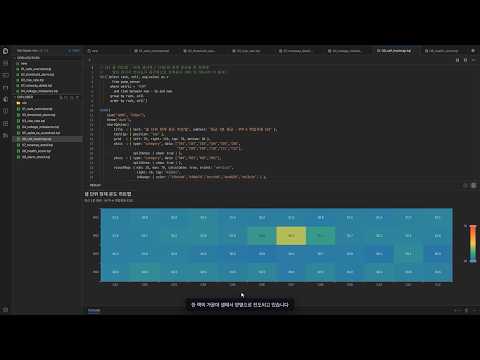
Store ESS data from a water-treatment pump in Machbase Neo and detect anomalies early by analyzing thresholds, rates of change, and patterns.
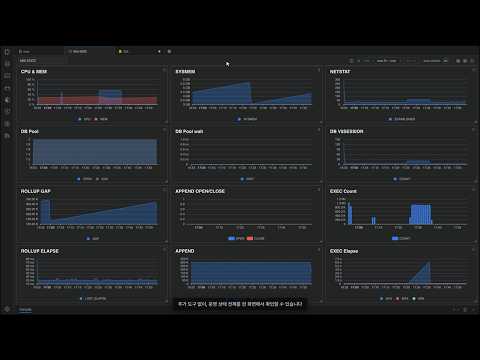
Explore 15 built-in NEO STATZ panels for CPU, memory, connections, throughput, and other operational metrics, then query the data with SQL.
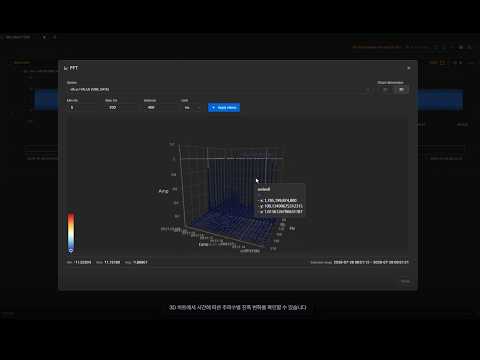
Add tags in TagAnalyzer, select a time range, and inspect its frequency components in an FFT chart.
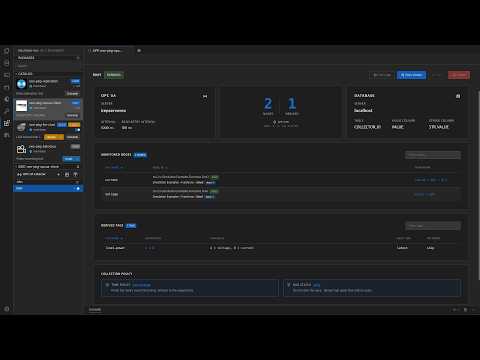
Use OPC UA Client derived tags to calculate values during collection and store them in Machbase Neo.
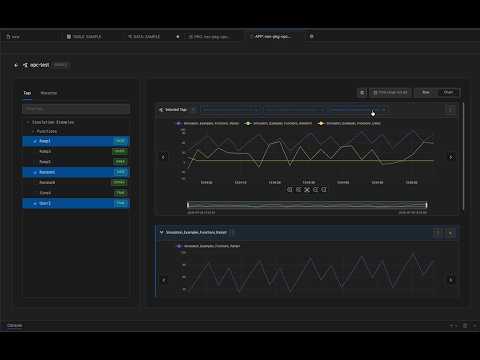
Explore data in Neo Web and OPC UA Client, then continue analyzing selected tags and time ranges in Tag Analyzer.
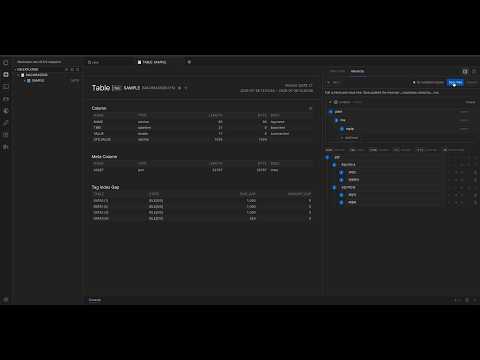
Organize OPC UA tags in an asset hierarchy and quickly find data for the equipment you want to inspect.
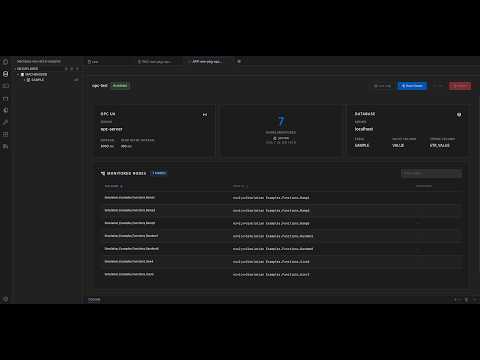
Connect to a Kepware OPC UA server, configure certificates, browse nodes, select tags, and collect data.
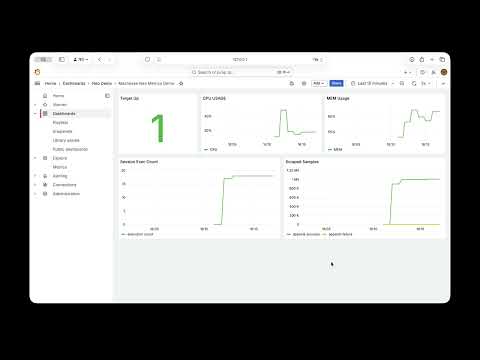
Collect metrics from Machbase Neo with Prometheus and monitor time-series data in a Grafana dashboard.
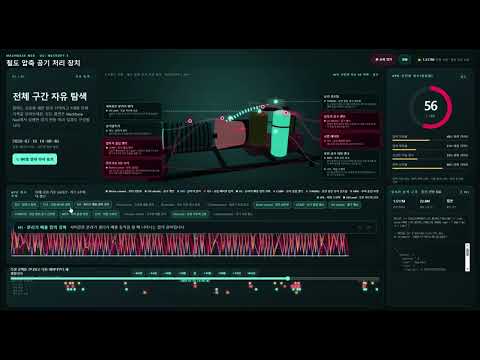
Store MetroPT-3 data in Machbase Neo and explore sensor changes, failure periods, and health scores for a railway air production unit.

Analyze price trends, volatility, volume, and technical indicators in SILVER OHLCV data to generate an AI report.
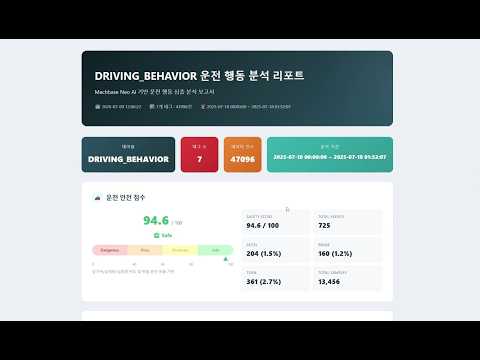
Detect rapid acceleration, braking, and turning events in six-axis IMU data, then generate a safety score and AI analysis report.

Analyze RMS, FFT, and severity in high-frequency vibration data to diagnose bearing condition and generate an AI report with recommendations.
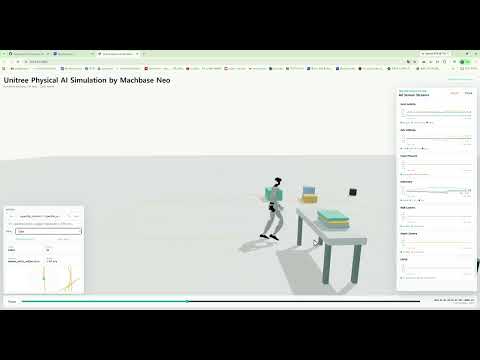
Collect humanoid joint, pose, and status data in real time, then visualize it and inspect motion anomalies in a Neo dashboard.
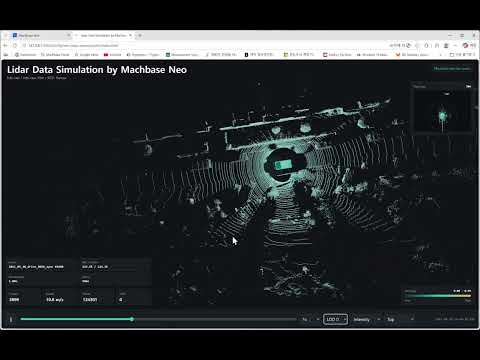
Store KITTI LiDAR data in Neo and visualize spatial changes by replaying it as a 3D point cloud.
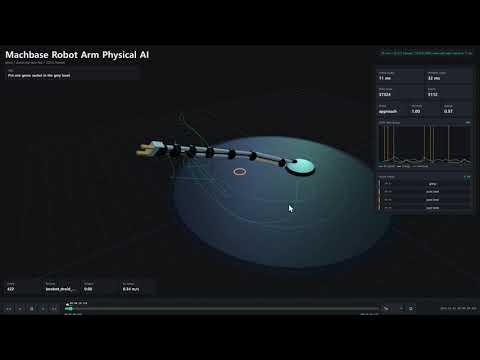
Store motion and sensor data from the DROID robot dataset in Neo and use it in a dashboard for a Physical AI demo.
Last updated on